Build an order.
Search by name, scan a barcode, add product options, or hold an order for later.
Manage cash sales, products, customers, and shifts from one Windows application. Keep working without an internet connection.
Early release 0.1.0 · Cash payments · One computer
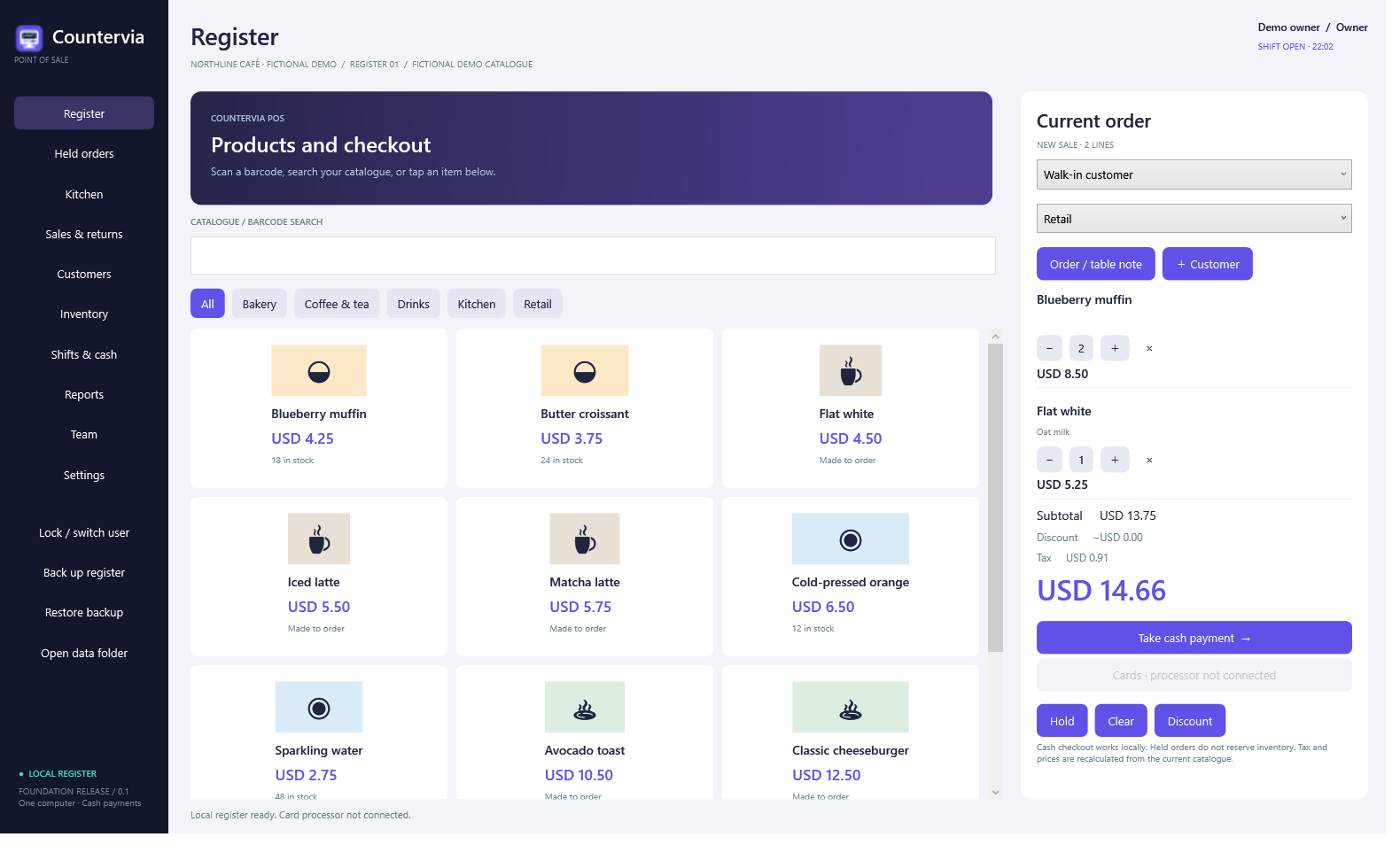
Record transactions, track stock, and reconcile the cash drawer. The core workflow runs on your computer.
Search by name, scan a barcode, add product options, or hold an order for later.
Calculate the amount due and change. Record the sale and update tracked stock together.
Compare expected and counted cash, review sales and refunds, and export reports.
Sales and business records stay on the Windows computer. Create a backup from the app and keep a copy on a separate drive.
Read the backup guide →No cloud account required for this release.
Countervia POS is available to evaluate. The dashboard, warehouse tools, and hardware range are planned products.
Desktop checkout, stock, customers, shifts, and reports.
Explore POS ↗PLANNEDOnline reporting and management across locations.
View planned scope ↗PLANNEDPurchasing, suppliers, and warehouse operations.
View planned scope ↗PLANNEDCountertop devices and compatible equipment.
View hardware plans ↗Install the app and choose the sample catalogue to test the workflow.
One Windows hub and up to three tablets, plus $299 setup and training. Hardware and payment-processing fees are separate. The tablet ordering and inventory workspace is in pilot testing. Contact us to confirm available features before purchasing.
Pricing and product preview →